Nothing between you and the picture.
Smooth full-screen paging, pinch to zoom, double-tap for actual pixels, and a slideshow that keeps the screen awake. Videos, PDFs and text files open in the same library.
 Oak Viewer

Private photo library for iPhone & iPad
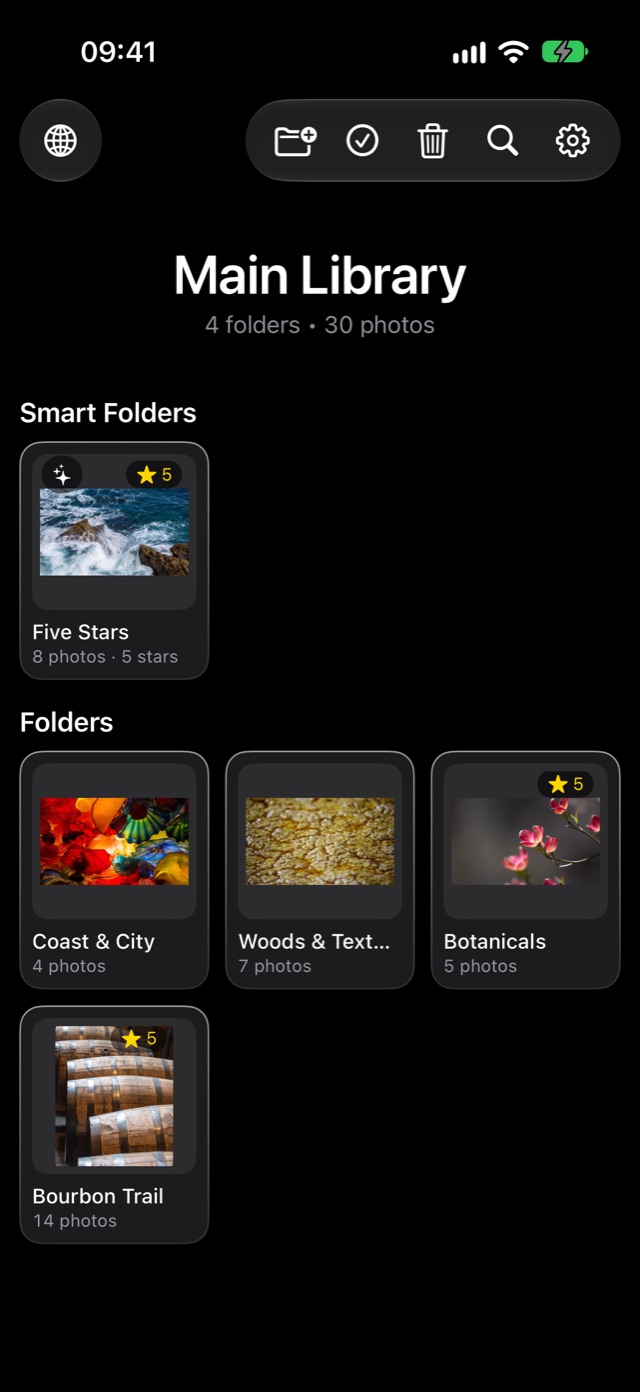
Bring in pictures from your Photos library, or find art on the web and download whole galleries as zip files. Then keep only the ones you love: rated, organized and stored on your device, nowhere else.
Free 7-day trial · No account · No ads · Nothing leaves your device
Made for iPad
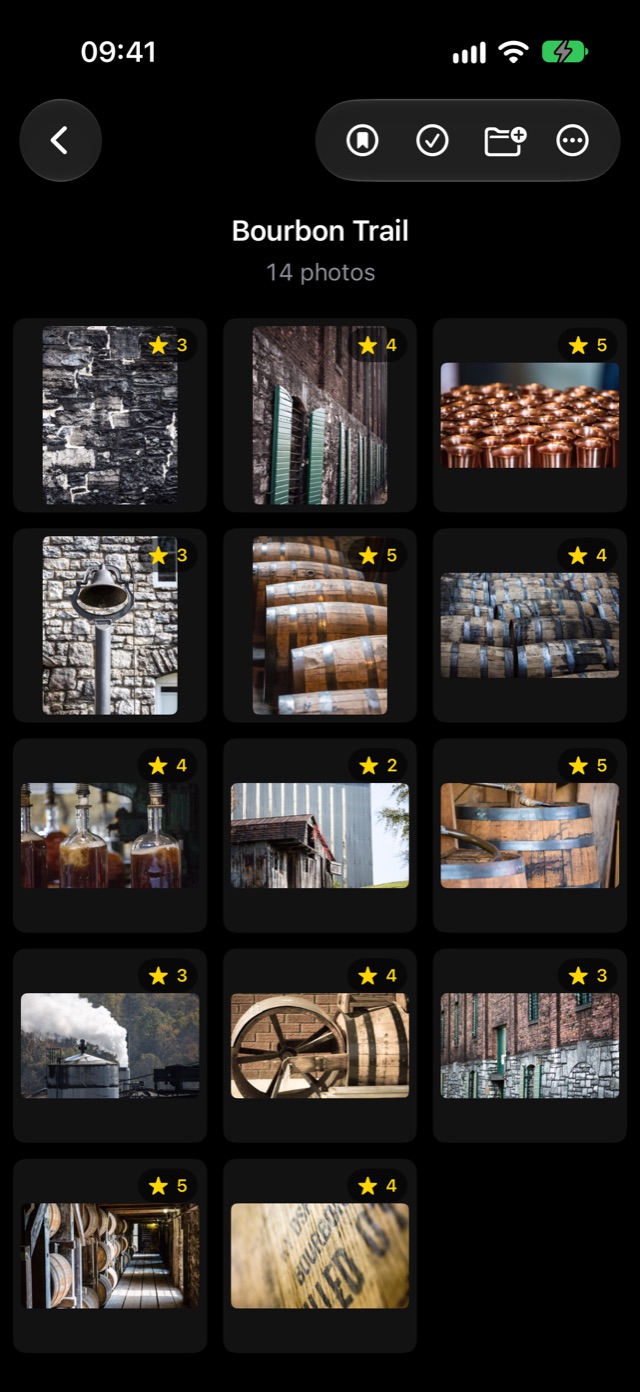
Oak Viewer fills the screen with the picture and gets out of the way. Swipe through a folder, tap once for the controls, and pinch in until you can see every vein in a petal.
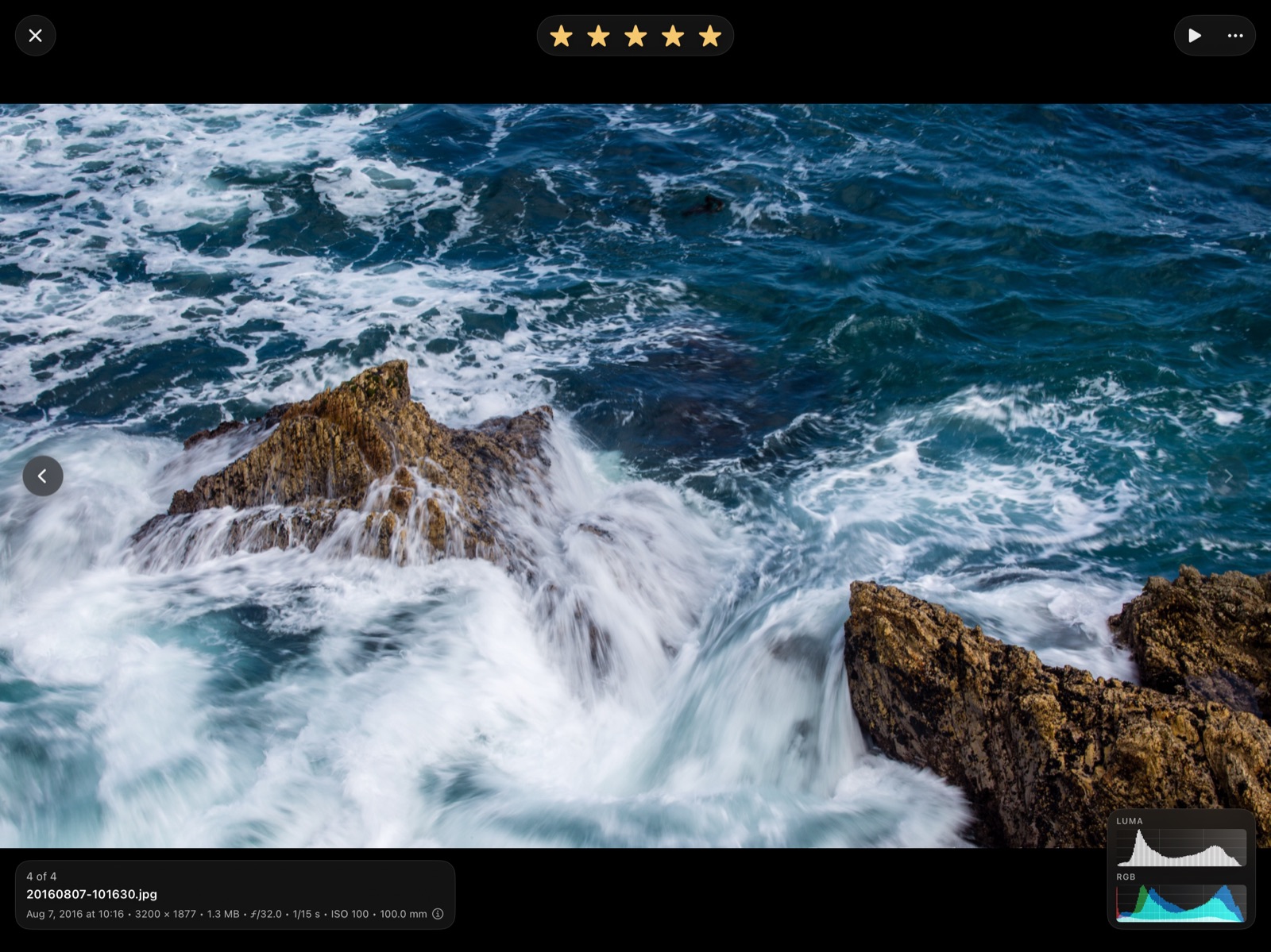
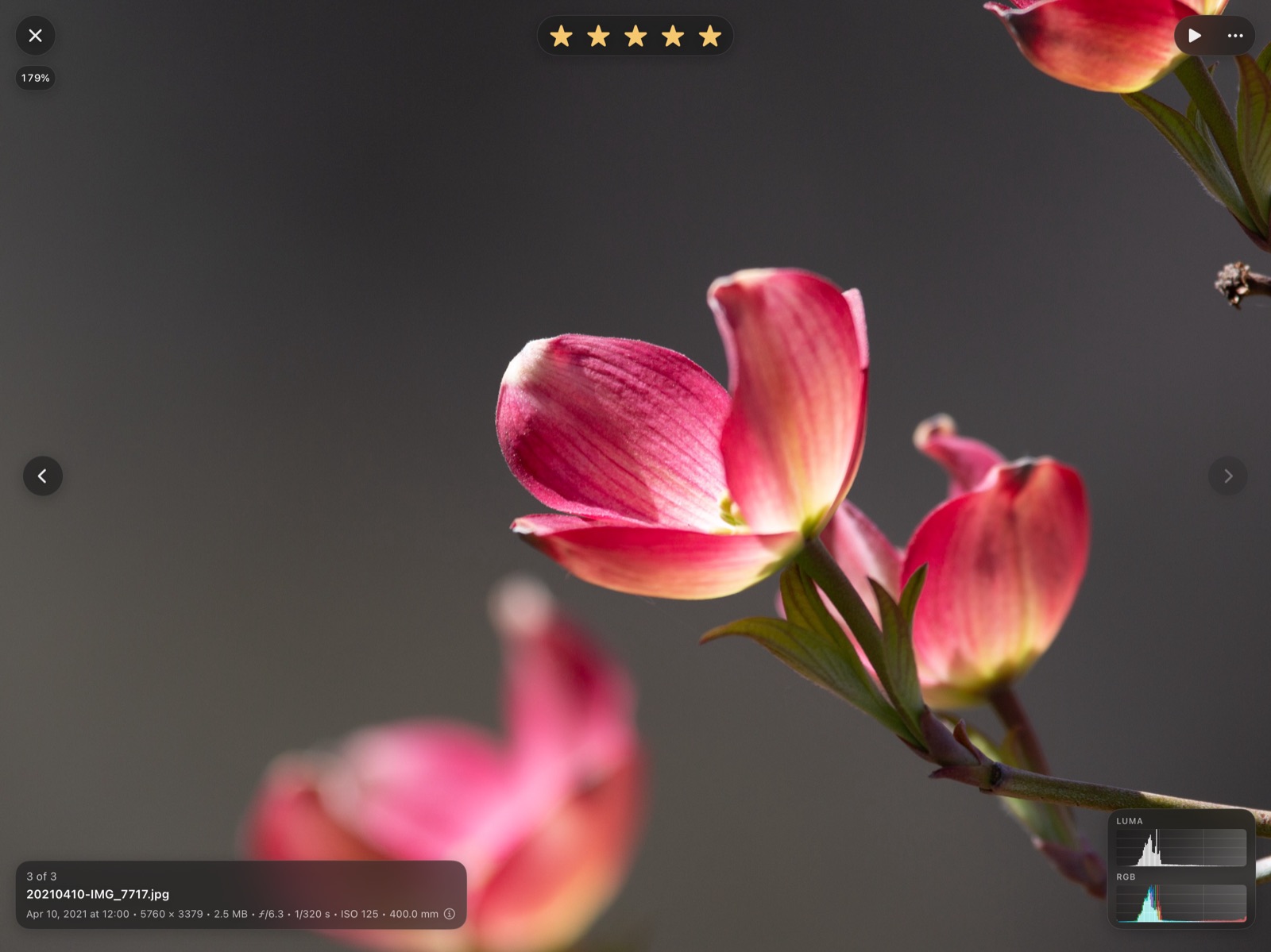
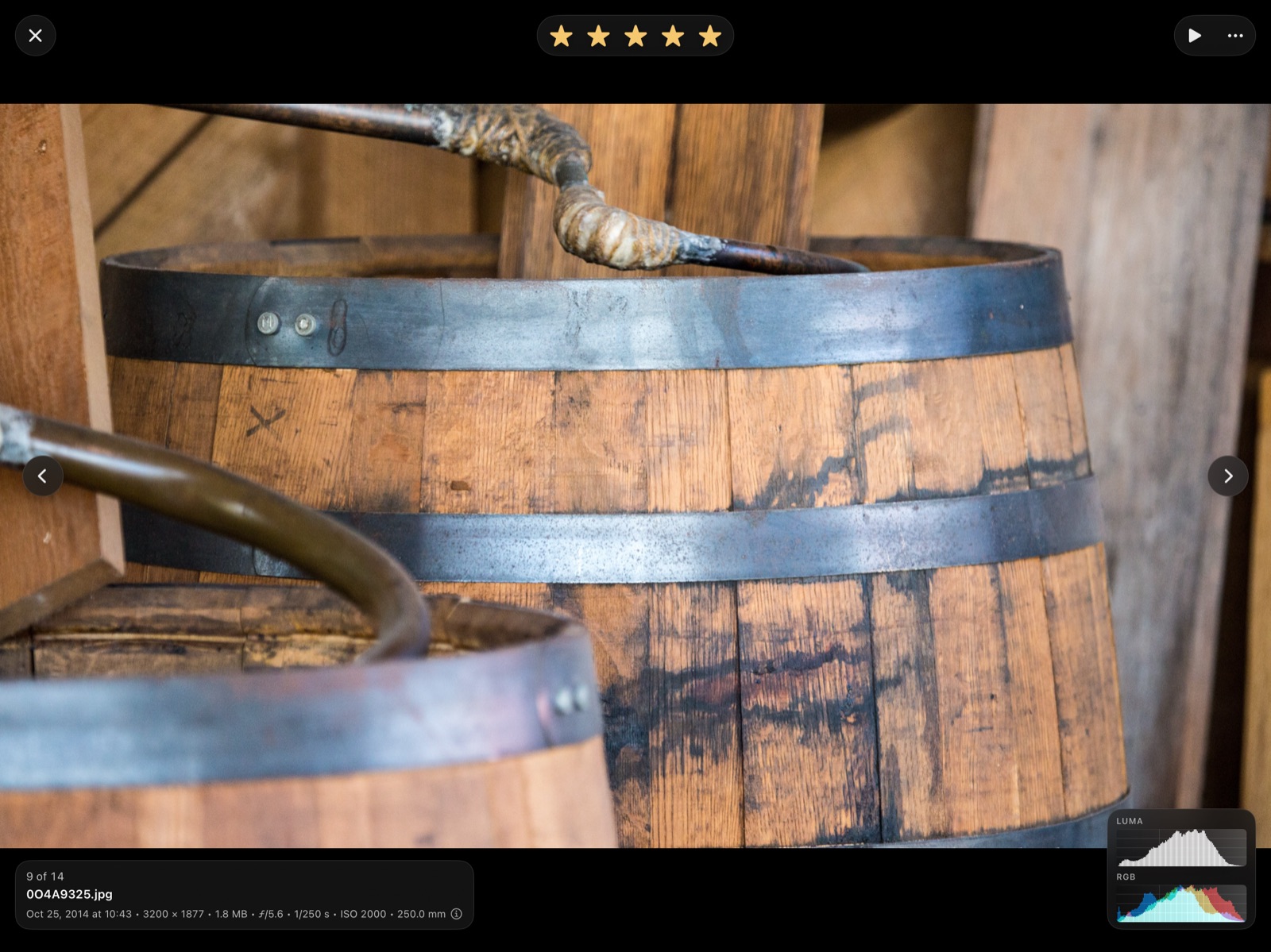
Rating
The quickest way through a big folder is one gesture per picture.
Prefer tapping? The stars at the top of the viewer work too. With a keyboard, press 1–5 to rate and 0 to clear. If the pill sits under your thumb, move it in Settings → Star pill position.

How it works
Everything in the box
Smooth full-screen paging, pinch to zoom, double-tap for actual pixels, and a slideshow that keeps the screen awake. Videos, PDFs and text files open in the same library.
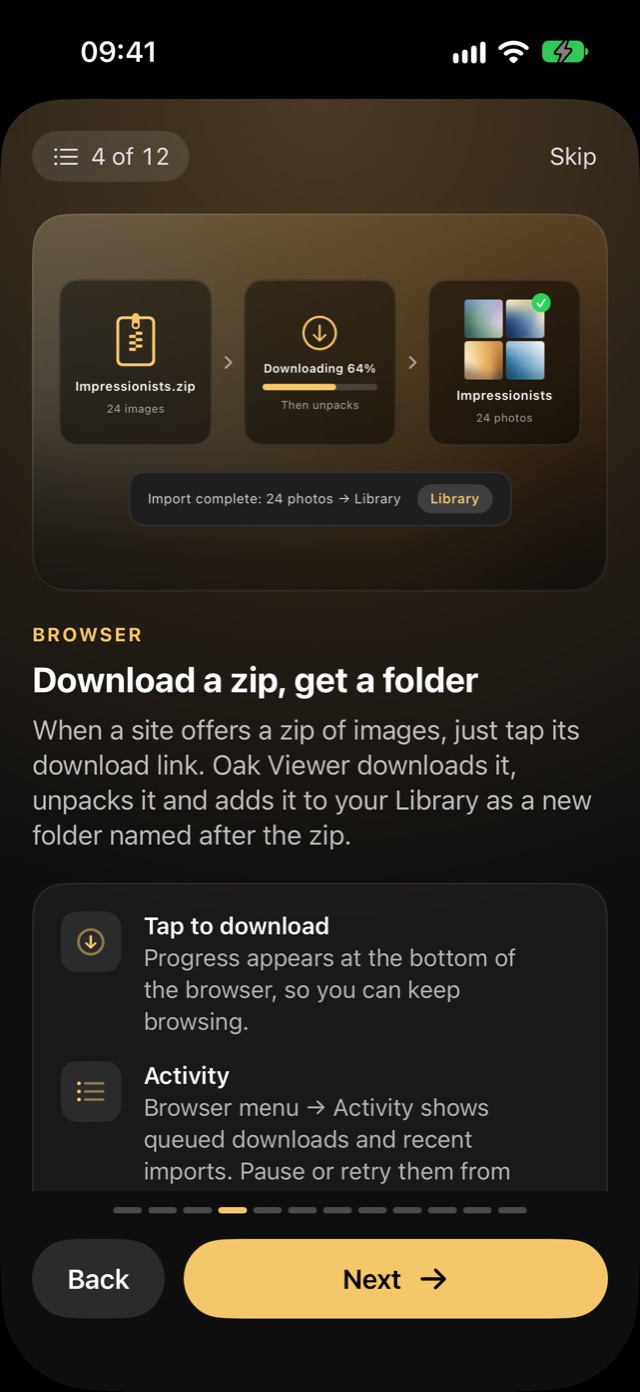
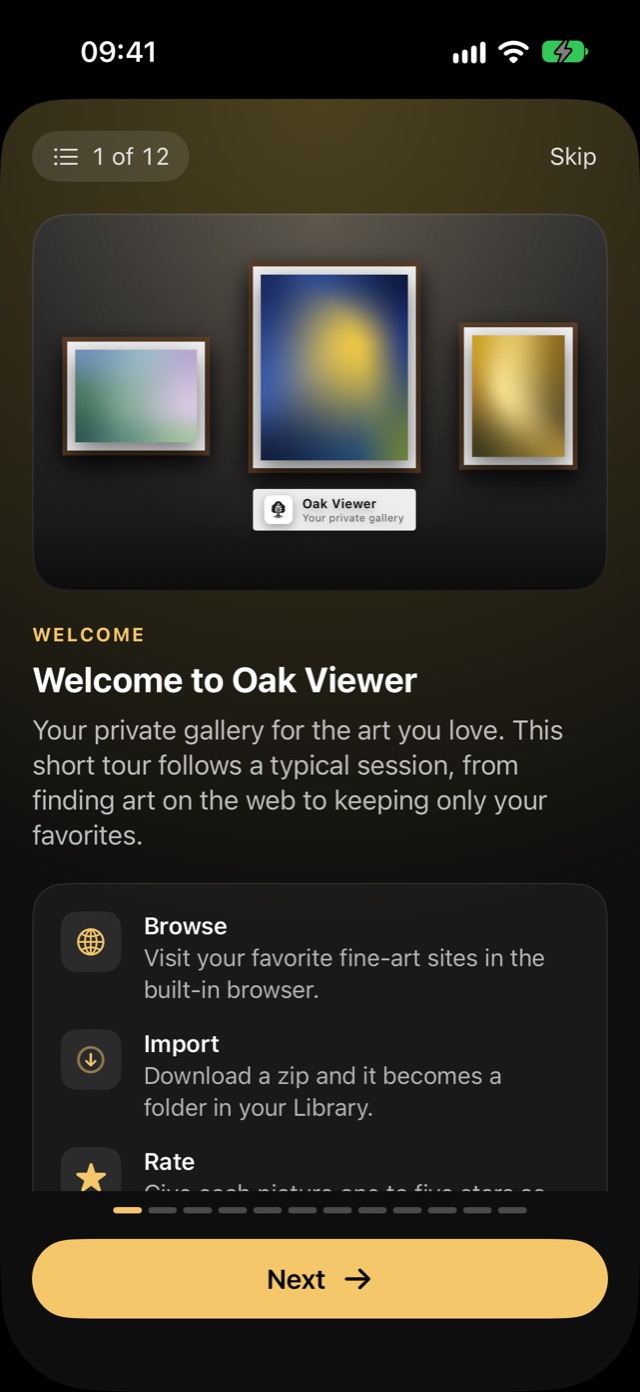
Import albums and pictures from Photos or Files, share from other apps, or use the private browser: download a zip and it becomes a folder, or press and hold any image to import just that one.
Nested folders, pinned favorites, and smart folders by rating, orientation or date saved. Search your whole library by filename, rating, camera and more.
Delete Unrated sends every unrated picture in a folder to Trash in one tap. Find Duplicates catches what you downloaded twice. Trash keeps everything until you decide.
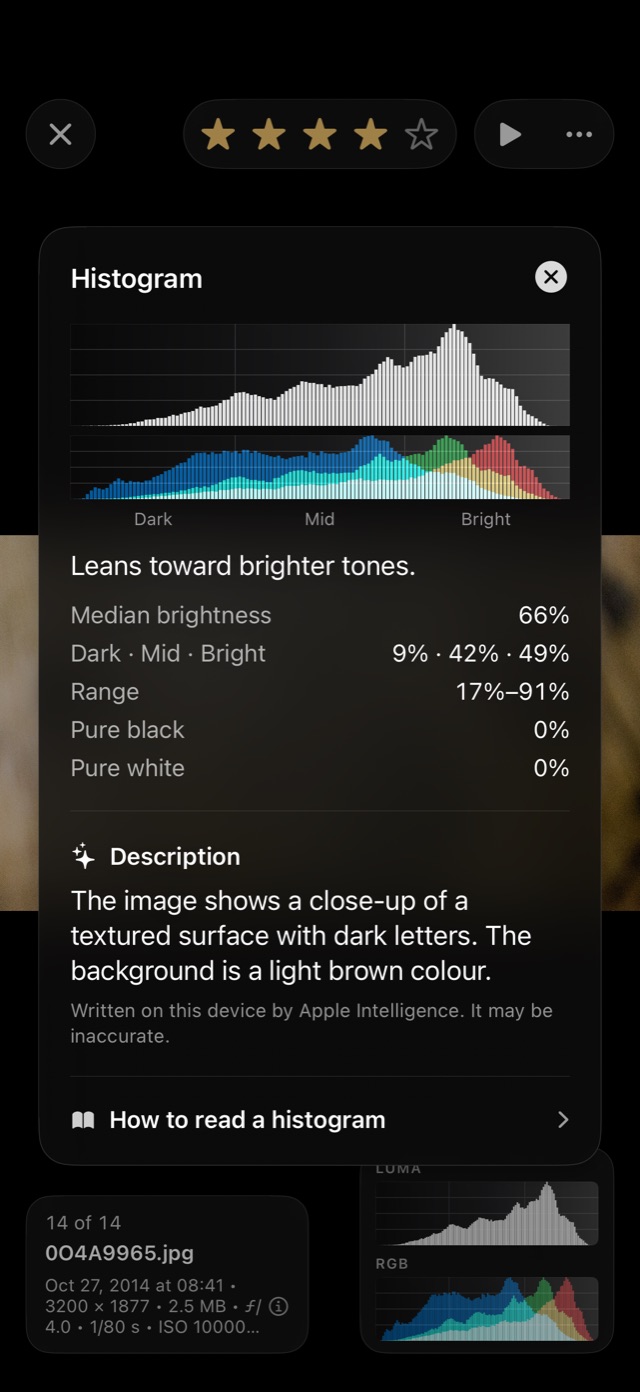
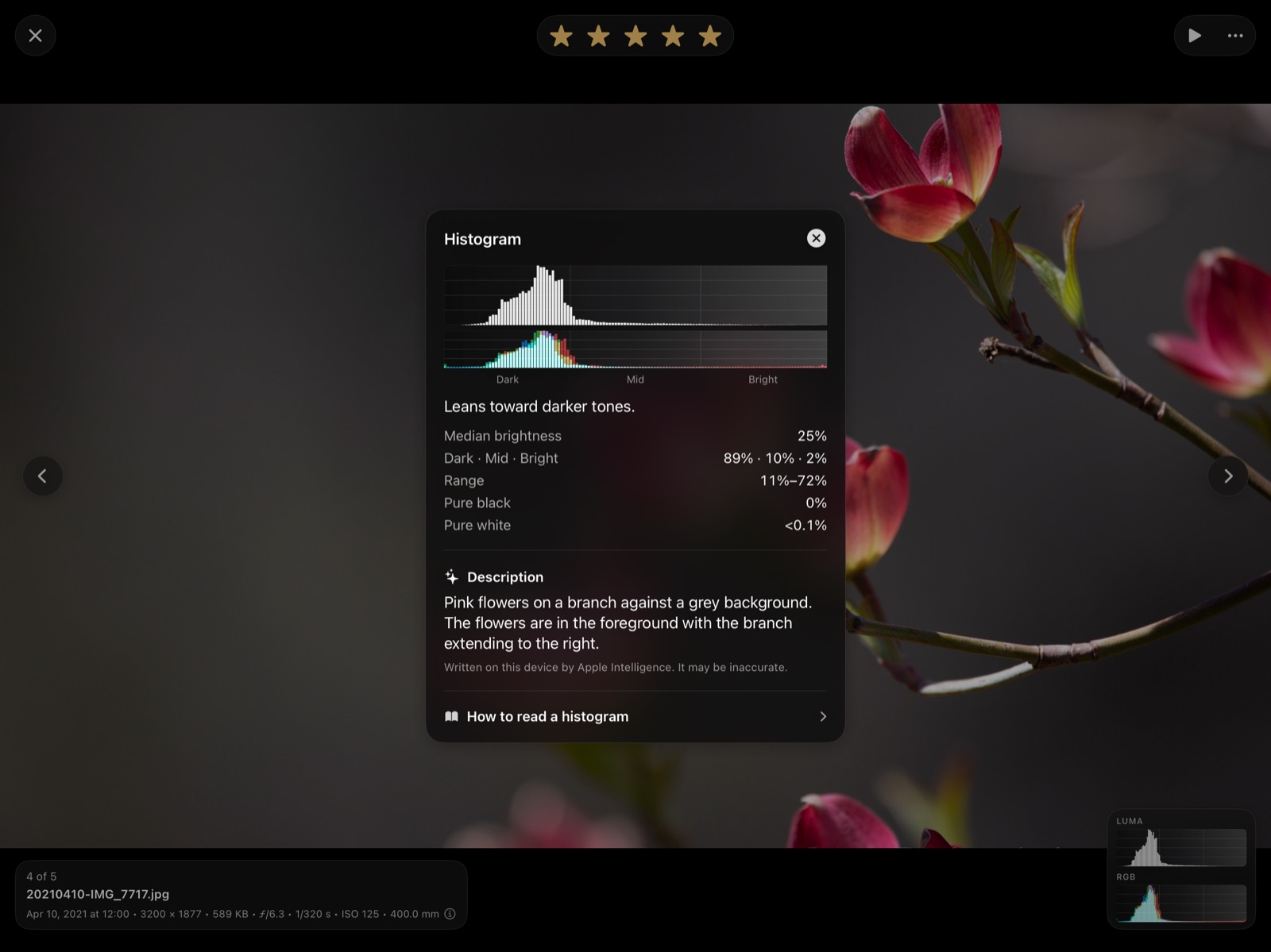
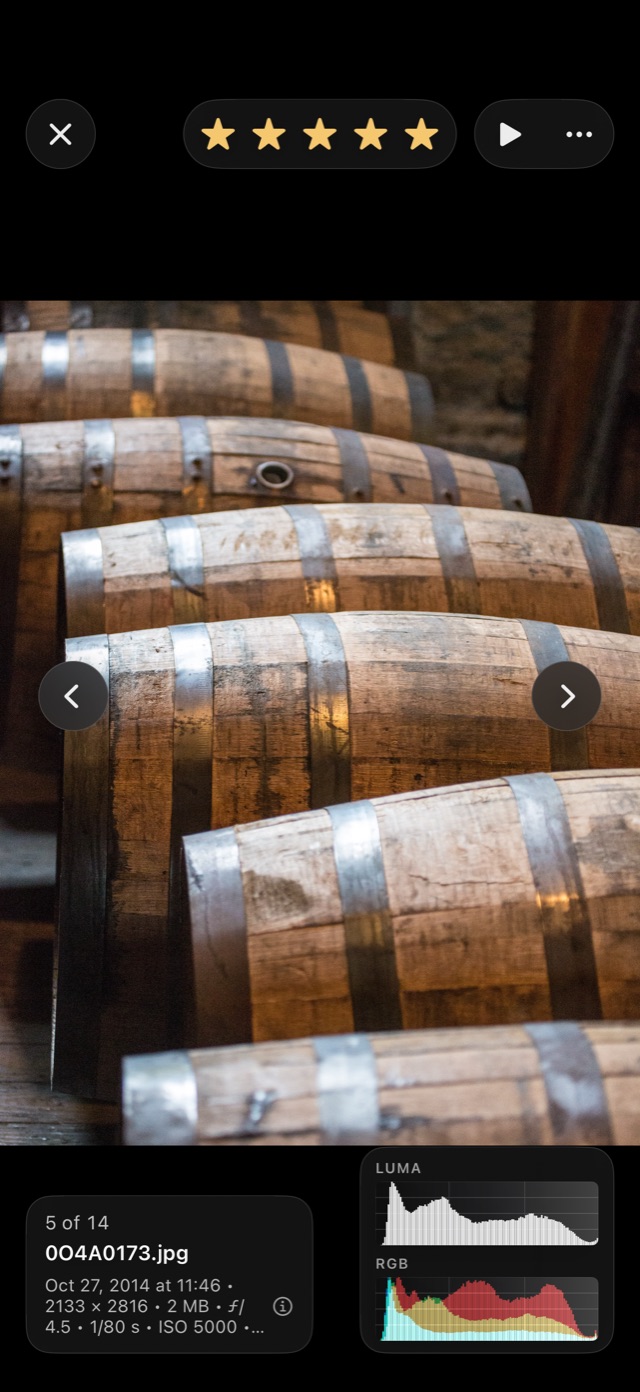
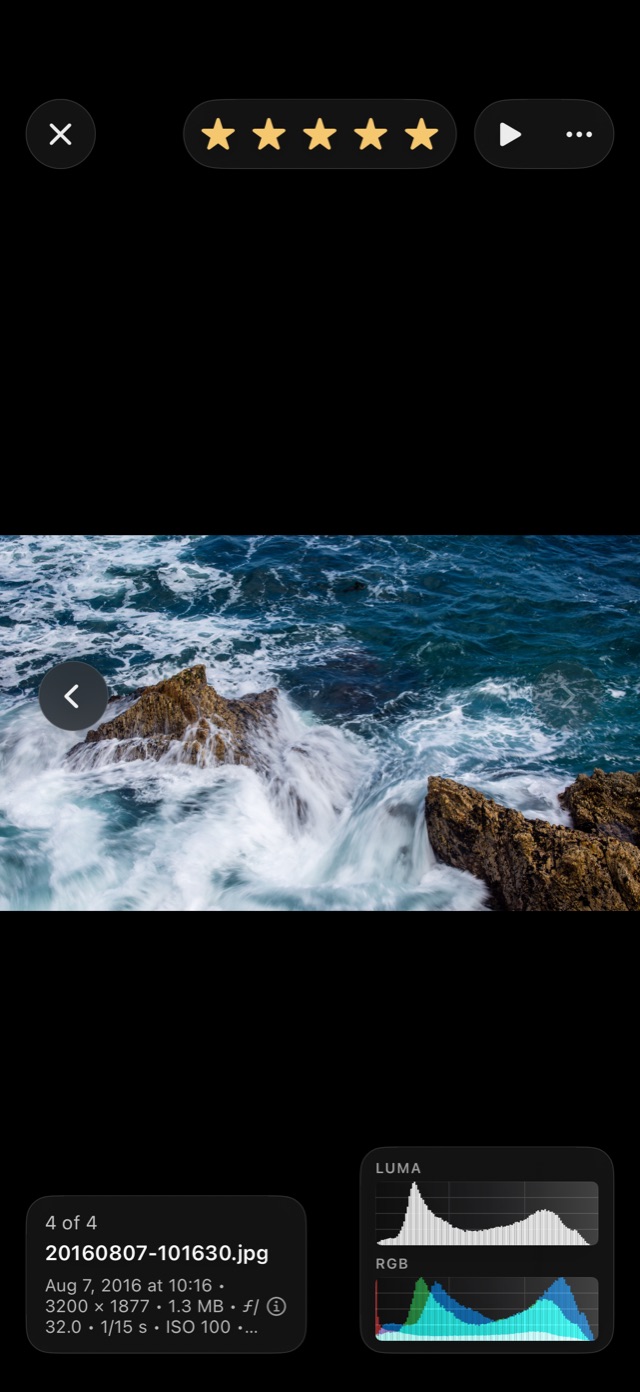
Live luma and RGB histograms with clipping marks, real measurements, full camera details, and a description of the picture written on your device.
Light or dark, themes, app icons and a custom library background. Home Screen widgets resume where you left off, or turn a folder into a picture frame. Siri and Shortcuts open folders, start slideshows and rate the picture you're on.
Histogram
Tap the histogram in the corner of the viewer to see the measurements behind it: median brightness, how much of the picture sits in the shadows, midtones and highlights, and whether anything has clipped to pure black or white.
Oak Viewer also describes the picture. With Apple Intelligence it writes a sentence; without it, it lists what it sees. Either way the work happens on your device, and the picture never leaves it.
Privacy
Nothing to sign up for. No email, no sign-in, no profile.
Your library lives in Oak Viewer's storage on your iPhone or iPad. Nothing is uploaded.
Require Face ID, Touch ID or your passcode to open your library.
Private tabs aren't saved or added to History. Passwords you choose to save stay in this device's Keychain, behind Face ID.
No ads, no analytics SDKs, and no third-party tracking of any kind.
Back up to Files, keep two devices in sync, or send your whole library to a new iPhone or iPad over Wi-Fi, device to device.
Screenshots
Pricing
Oak Viewer is free to download, with every feature unlocked for seven days. After that, pick the plan that suits you.
7 days
Every feature, from the first launch. Nothing to sign up for.
$2.99 / year
Renews automatically. Cancel any time in Settings on your device.
$9.99 once
One payment. No subscription.
Prices are in US dollars; the App Store shows the price in your currency. Payment is handled by Apple. If you bought Oak Viewer before the free trial existed, you keep full access. Terms of Use · Privacy Policy
More from Jeremy Dunlap
Get started
Free to download, with a seven-day trial of every feature. For iPhone and iPad with iOS 26.1 or later.